
RMS plugins that enable efficient setup and management of foundation data across your retail enterprise.
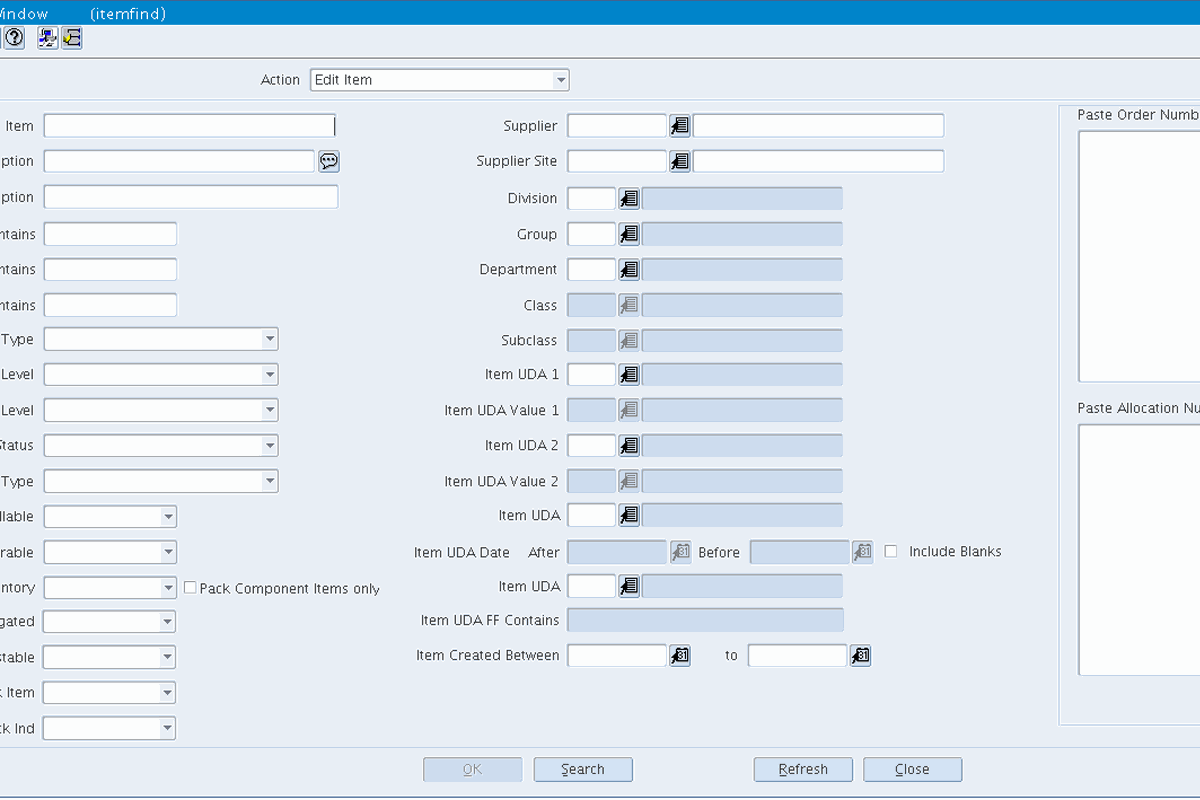
CAI Item Find is meant to replace the base RMS Item Find screen. It lets users quickly find items using additional search fields — for example by UDA or based on the orders and allocations that those items are attached to.
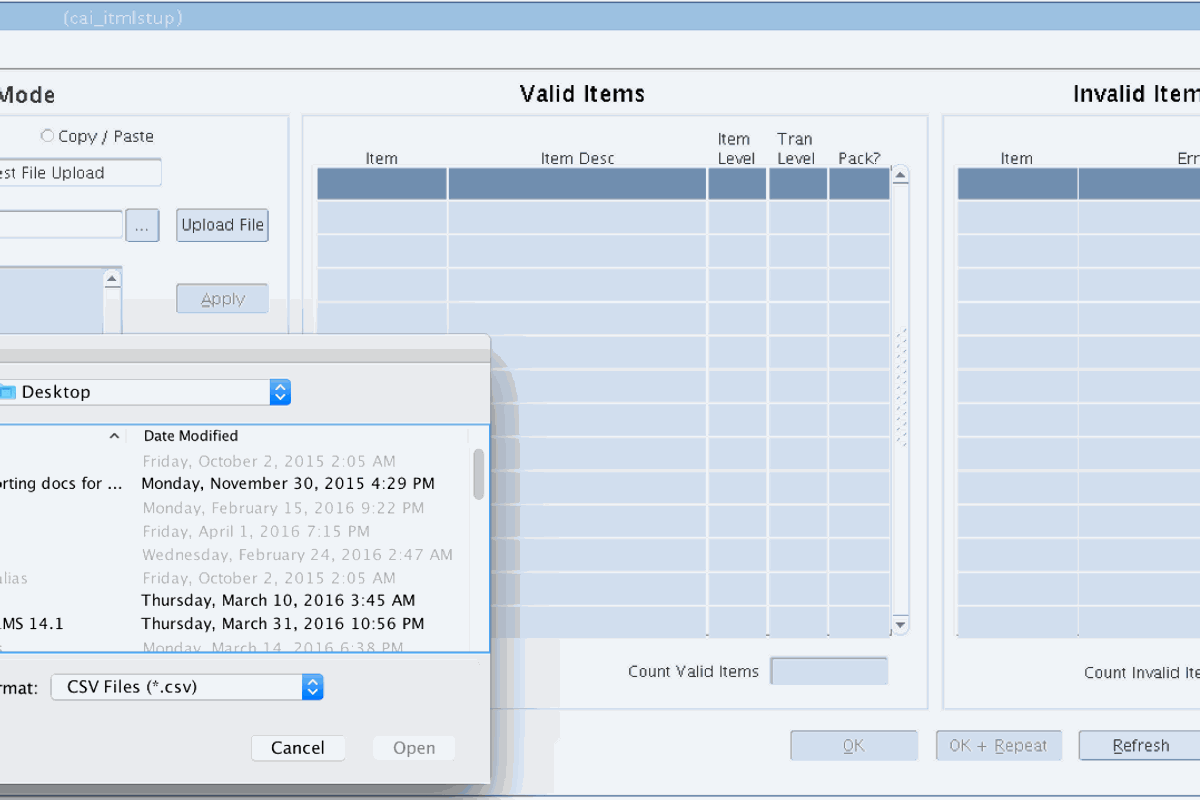
CAI Item List and Location List Upload lets users upload Excel lists directly into RMS quickly and efficiently. This is done from within the RMS application and is as simple as attaching a document to an email.
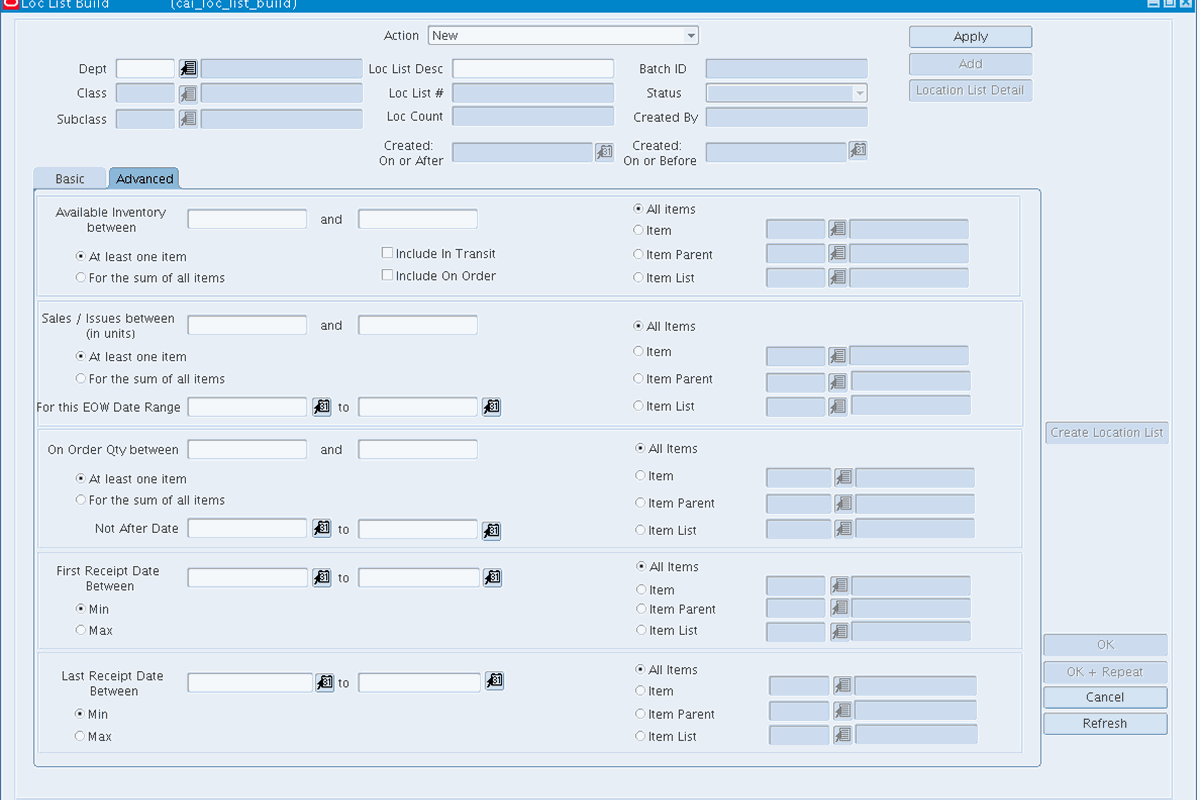
Users can create lists based on inventory, sales, order, or receipt transactional information. They also have the option to build lists using additional fields — for instance, pasting a list of orders or allocations to build a list of distinct items contained in those orders or allocations.
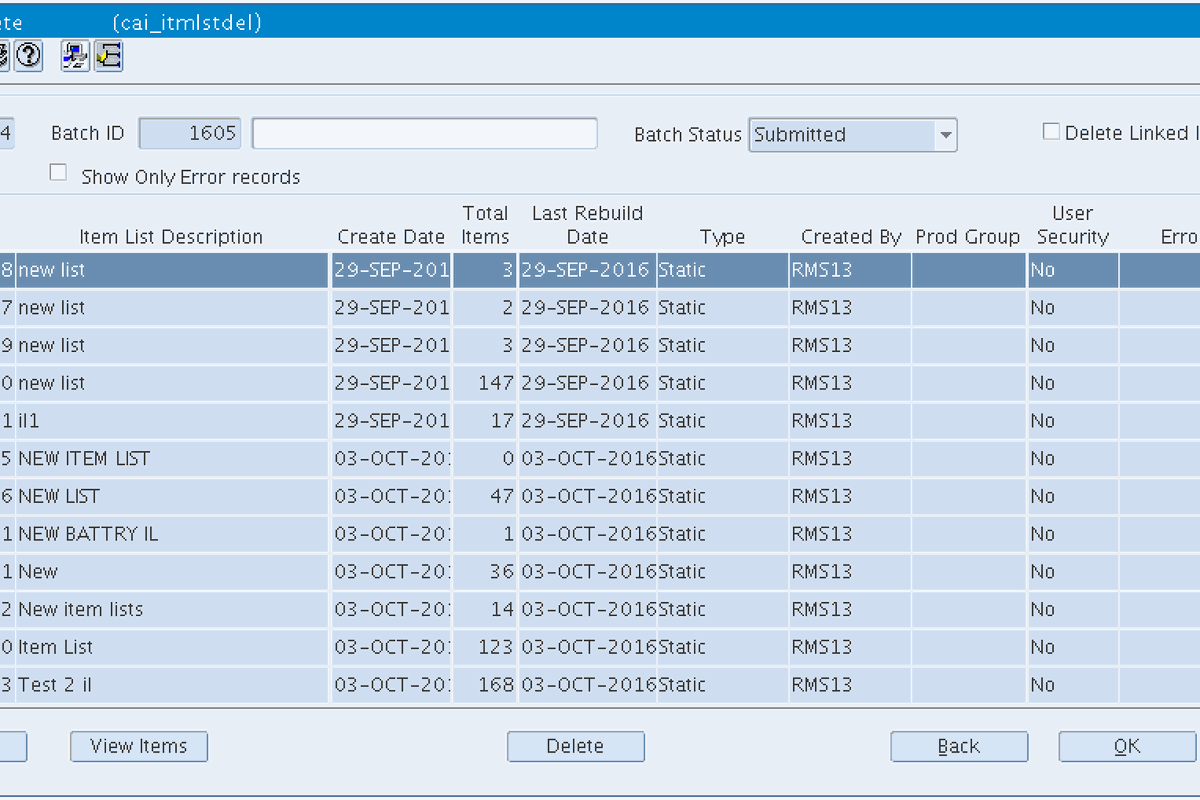
Users can quickly mass delete old lists. The screens include two levels of security: user level, which lets users delete only the lists they have created, and admin level, which allows admin users to delete anyone's list.
Get in touch and we'll walk through these tools live against your own foundation data setup.
Request a Demo